Every school document, from assignment to approved.
One place for the paperwork of Rofulo M. Landa High School. Leaders assign what is due, teachers submit it, department heads review it, and approved work comes back stamped — without chasing anyone through a group chat.
Choose your campus
Main Campus
Staff based at the Main Campus.
Sign in to the Main Campus Request an account at the Main CampusAccounts are for school addresses only — @deped.gov.ph or @gmail.com — and an administrator reviews every request.

Deadlines that hold
Due dates, late rules, and closing are handled by the system — not by reminders in a group chat.
Files stay in school
Uploads are kept in private storage, and downloads are served through the system, never a public link.
Approval on the page
Approved files are merged into one document and the endorsement is written into it, page by page.
Four steps, and each office signs in its own words.
A master teacher does not simply approve, and a principal does not merely note. SERDOCS gives each reviewer only the marks their office actually uses.
Assign
Principal or Master TeacherCreate the task, set the due date and late rule, and choose the teachers who need to deliver it.
Submit
TeacherUpload from your own workspace, then track exactly where the submission has reached.
Review
Head Teacher & Master TeacherThe department works its queue, then endorses the submission upward with one of these marks.
Sign
PrincipalThe final call. The mark, the signatory's name, and the signature image are written into the file itself.
You sign in to your job, not to a menu of everything.
Access follows your assignment. A head teacher reviews their own department; a teacher sees the work that is actually theirs.
Teacher
See what is due, upload documents, answer revision requests, and follow your score criterion by criterion.
Head Teacher
Work your department's review queue and keep an eye on overdue tasks across your teachers.
Master Teacher
Create and assign department tasks, endorse them through final review, and still submit your own work.
Principal & Admin
Dispatch school-wide tasks, make the final call, approve new accounts, and read across every department.
The score is published, and so is the arithmetic.
Every task is scored on six criteria with fixed weights, and your record is the average of those task scores, each one listed where you can see it. Administrators can change the weights; nobody can change them quietly.
-
30%
Timely Submission
Whether the work arrived before the task closed.
-
30%
Quality of Work
The reviewer's 1–5 rating of the work, given when it is approved.
-
10%
Accuracy & Completeness
How often a submission came back needing revision.
-
10%
Responsiveness
Time taken to answer a revision request, against a 48-hour grace window.
-
10%
Adherence to Process
Whether the submission followed the steps the task set out.
-
10%
Collaboration & Communication
Engagement with reviewers over the life of a submission.
You do not create your own account.
Access follows your assignment at the school, so an administrator issues it. Four steps, and you choose your own password at the end.
-
Request an account
Choose your campus, then send your name, department and position from your school address.
-
An administrator reviews it
They confirm you work here and that your position and department are correct.
-
You get a setup link
Approval sends a single-use link to that address. No password is ever emailed.
-
You set your password
Choose it once, then sign straight in to the workspace for your role.
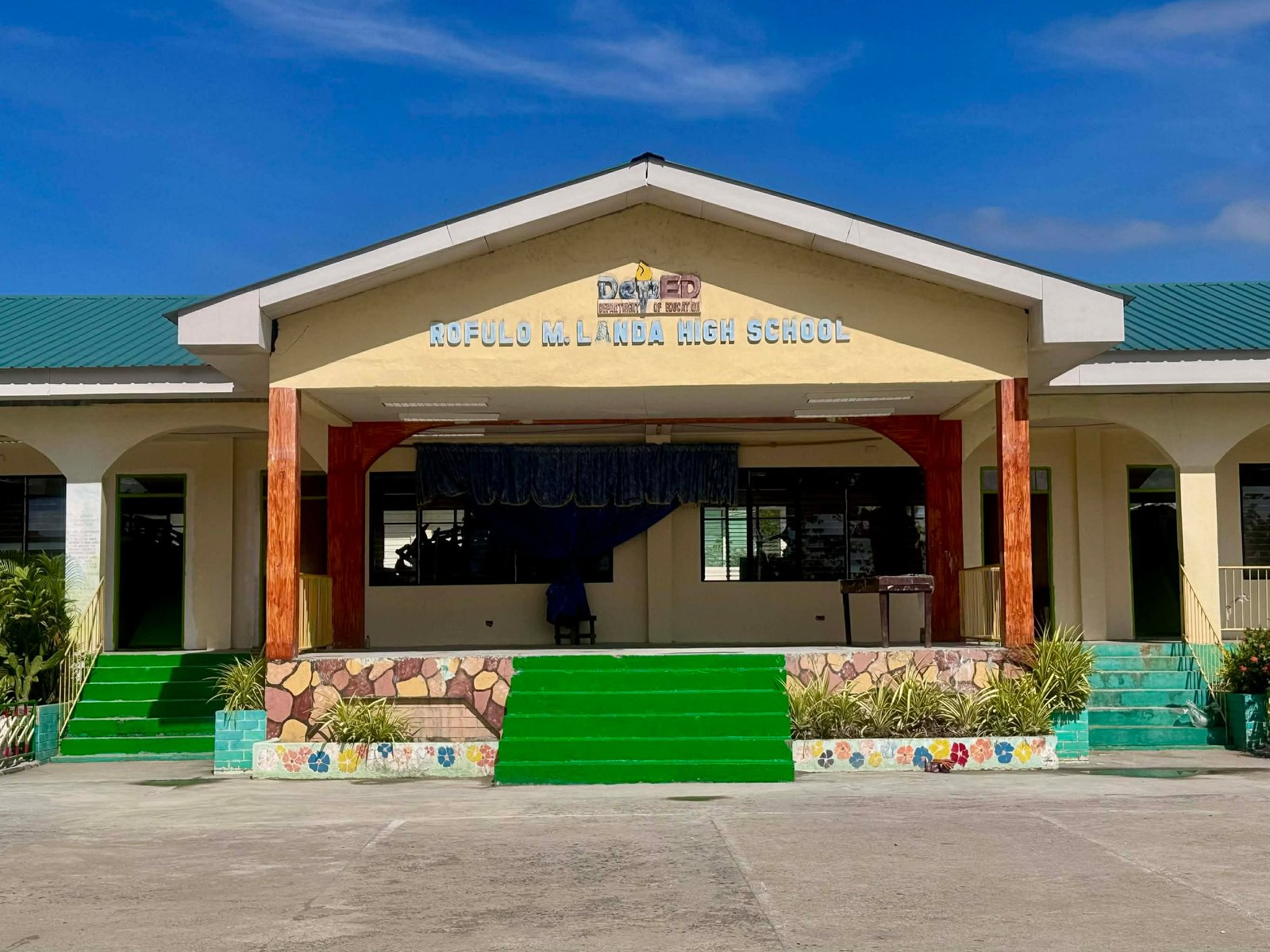
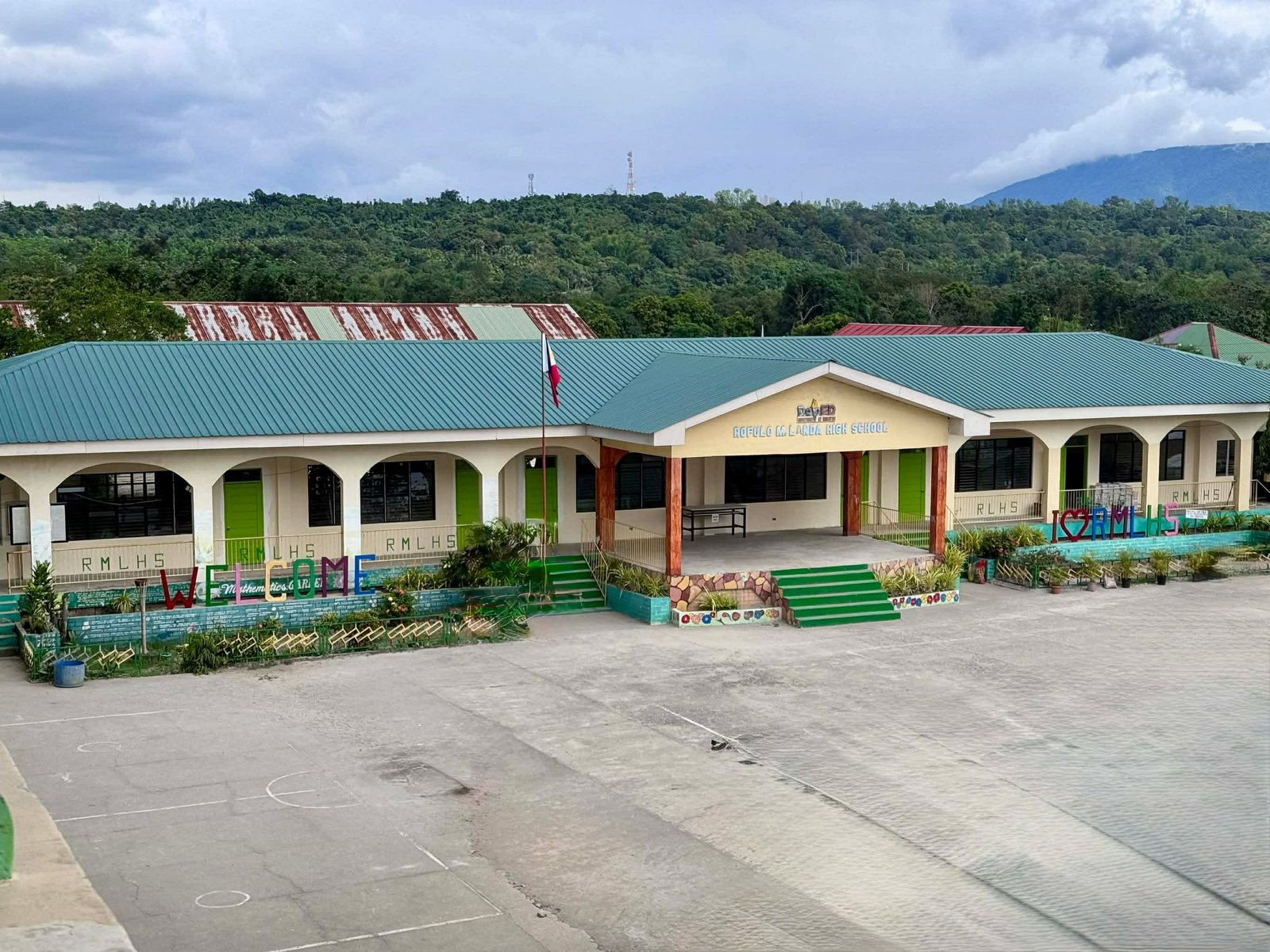
Rofulo M. Landa High School
Bulawen, Palauig, Zambales. SERDOCS was built for the way this school already works — the same offices, the same endorsements, the same signatures, with the paper chase taken out.
Swipe, scroll sideways, or pick a number.
Ready when you are.
If your account is set up, sign in and pick up where the work is. If not, request one and an administrator will take it from there.